
Follow the conversation.
Frame up to four active speakers for meetings where several people contribute.
Price:
Rs 57,900.00
Give remote participants a seat at the table.
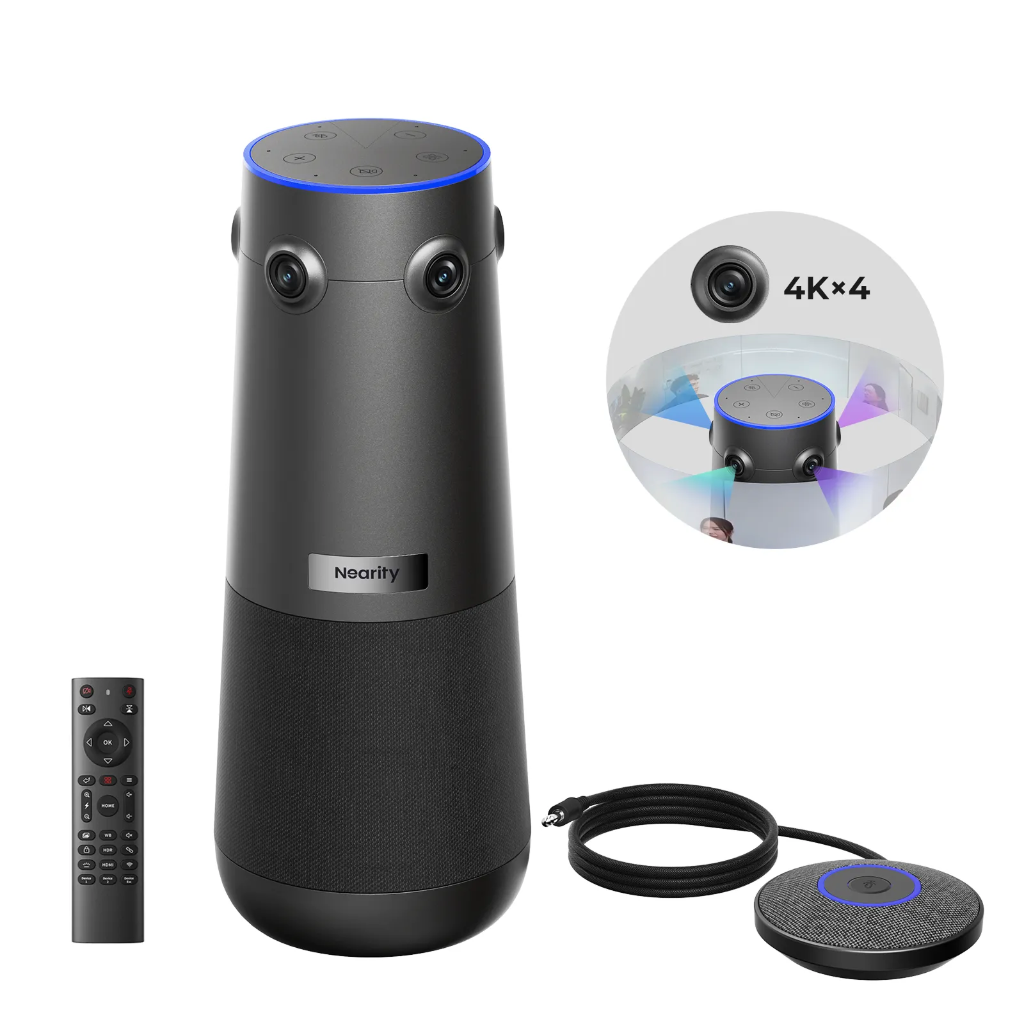
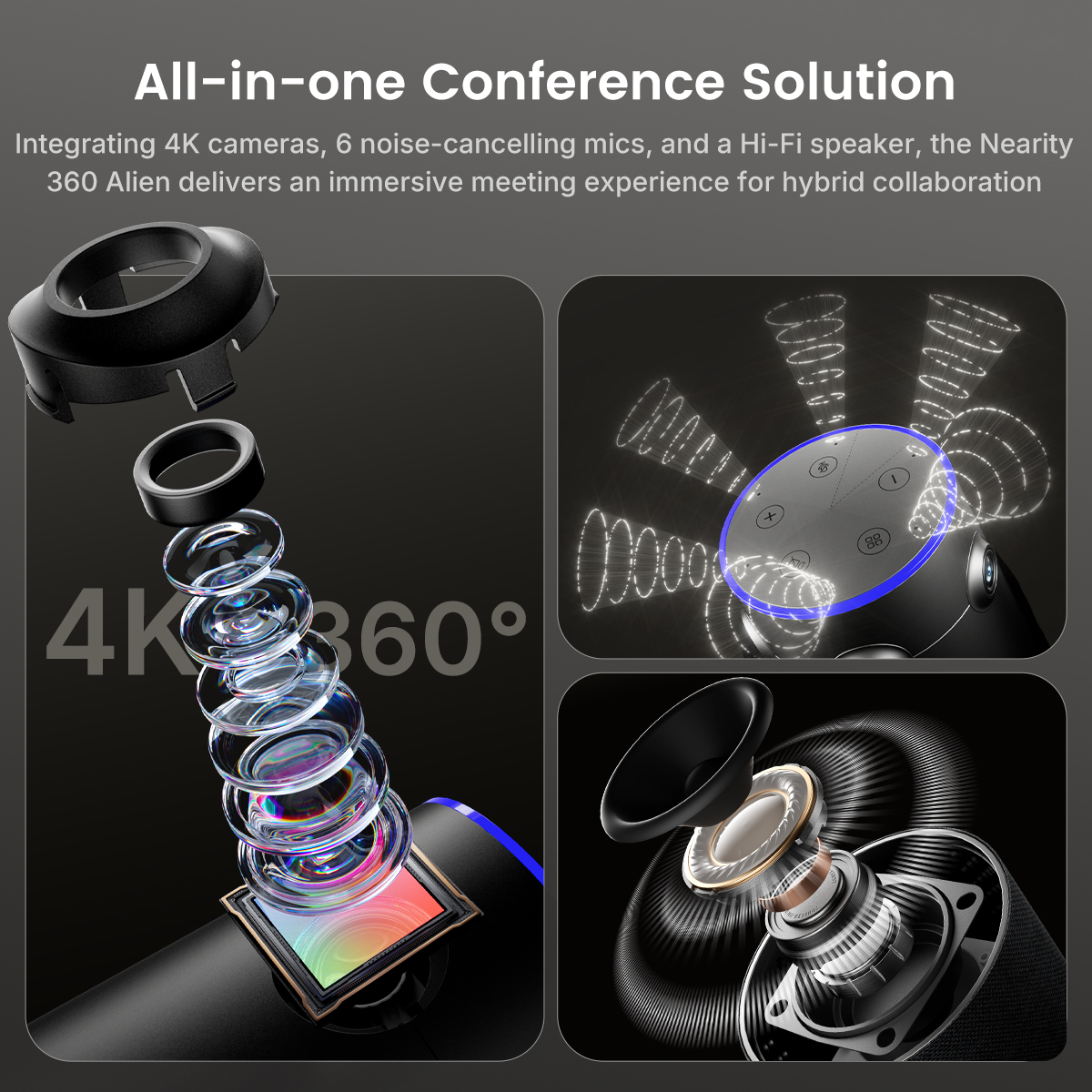
Place the camera in the middle of the table to capture the room from every direction. Four 4K cameras, six microphones and a built-in speaker bring video and audio together in one device.
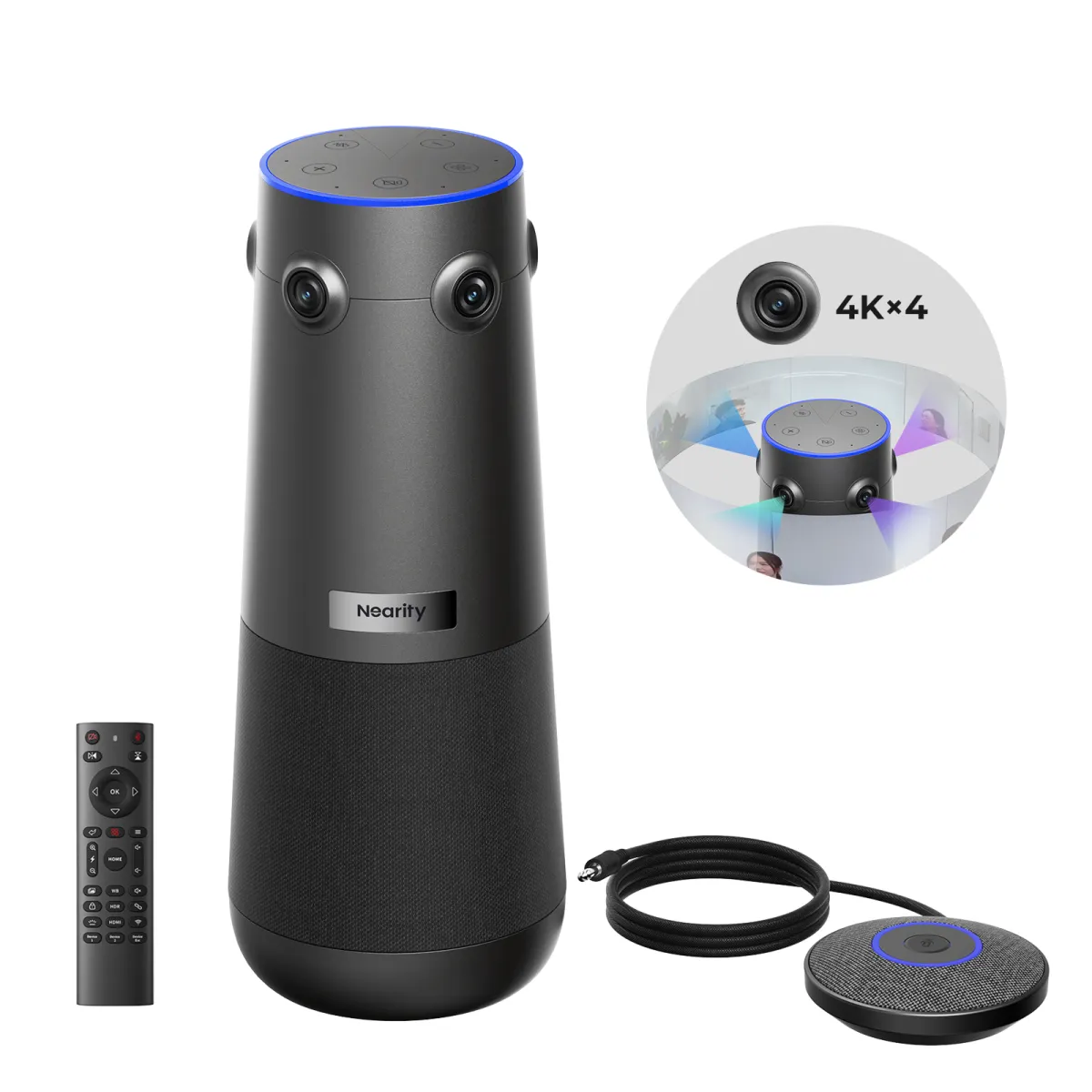
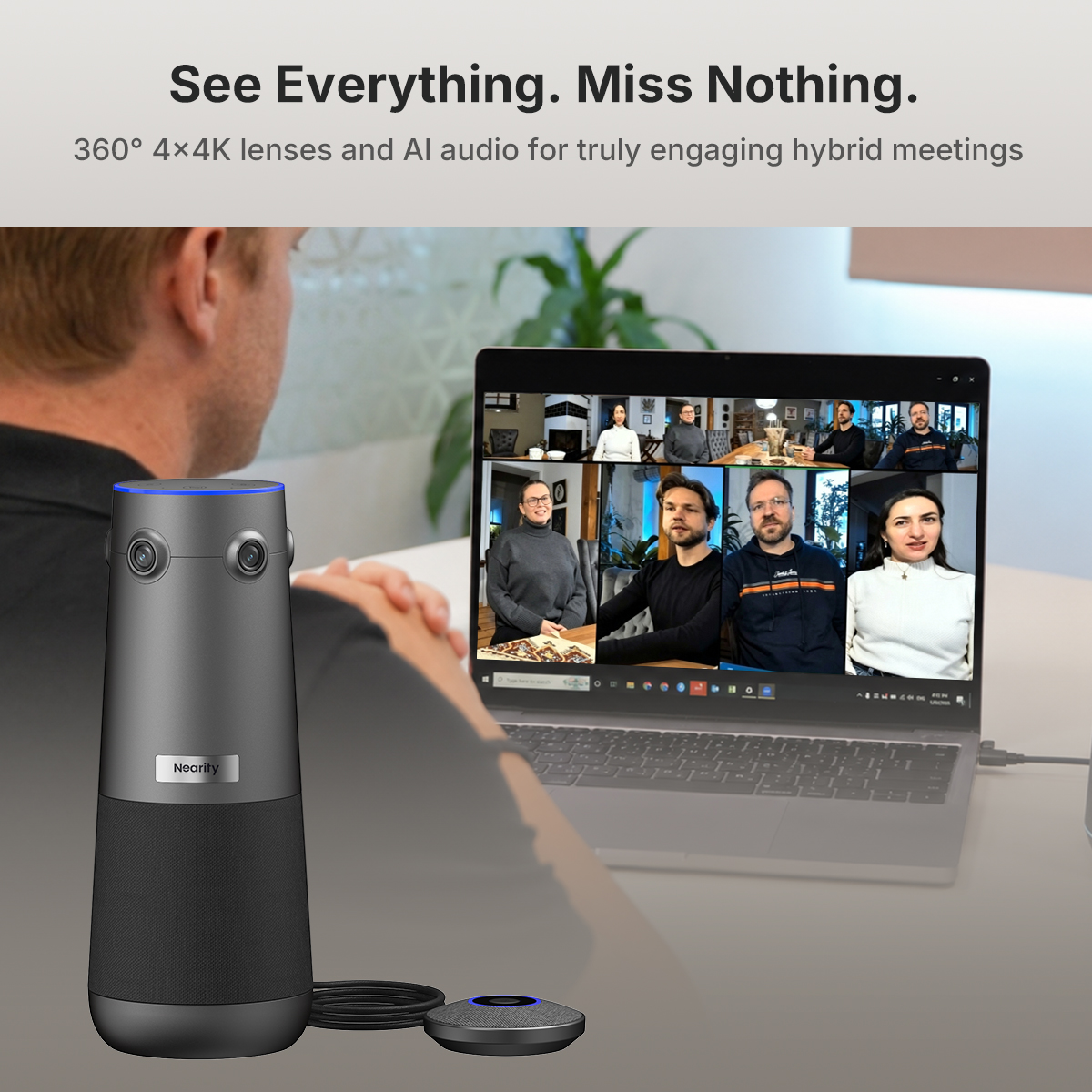
Four 120° lenses face different directions around the table. The camera combines their views so remote attendees can see the room and follow the discussion as it moves between speakers.
For the highest output resolution, connect by USB. NearHub lists up to 4K at 30 fps over USB, compared with 1080p at 60 fps over HDMI.
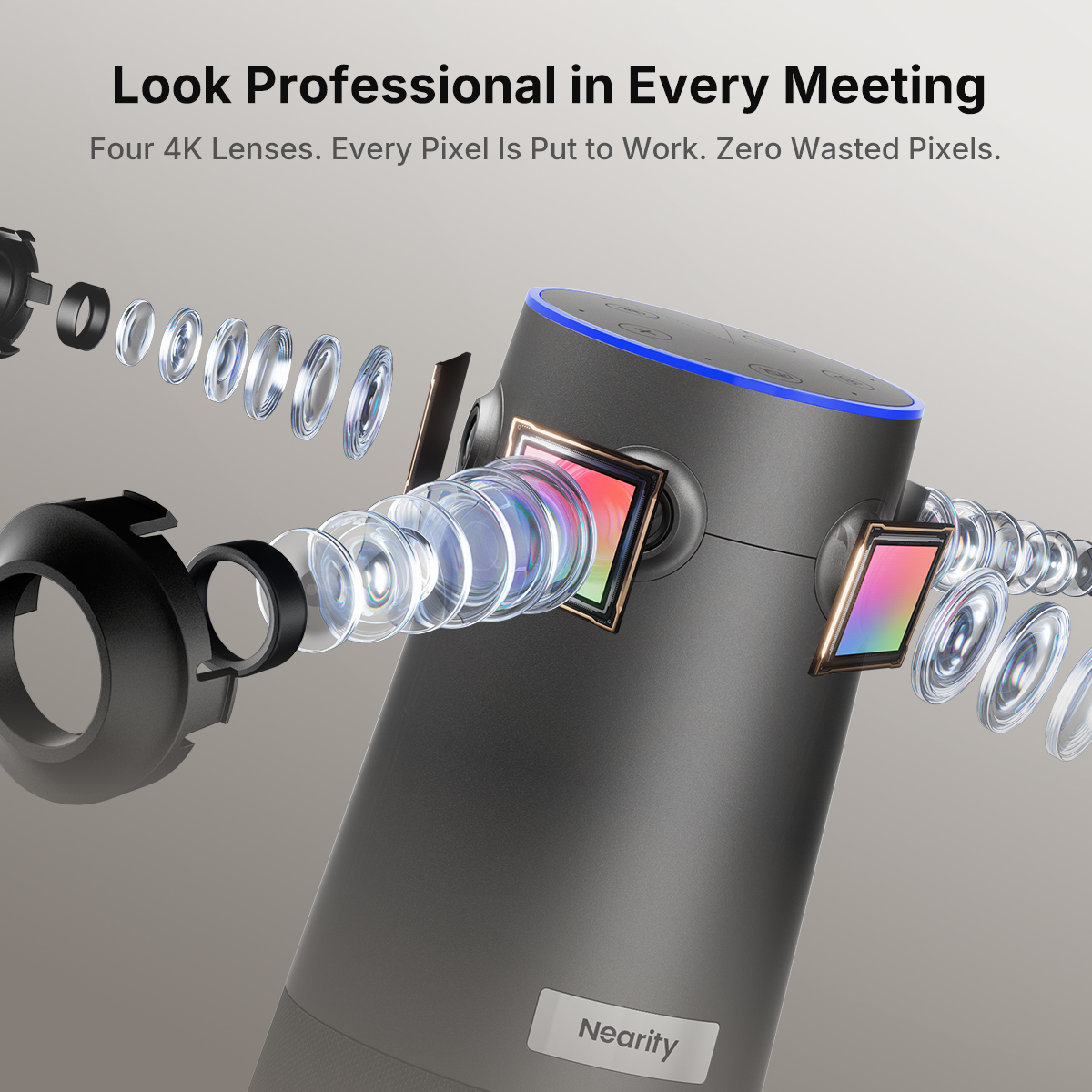
Four 8 MP Sony Starvis CMOS sensors and f/2.0 lenses capture views around the room. Fixed-focus optics keep the camera from having to refocus as the conversation moves around the table.
Switch modes using the top control or the remote.
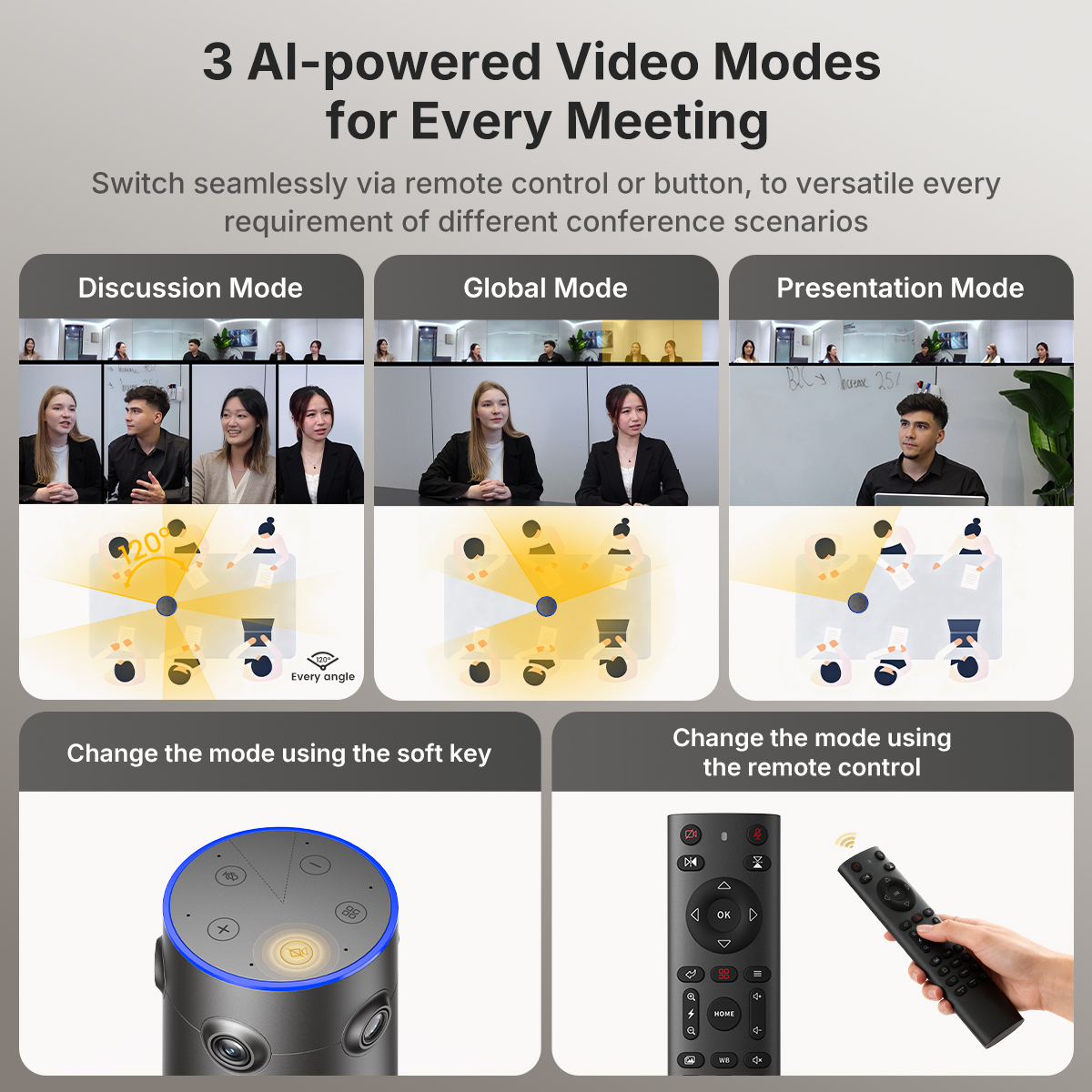
Frame up to four active speakers for meetings where several people contribute.
Use the steady 120° main-lens view when you want a consistent frame.
Track and zoom in on the current speaker during a presentation or briefing.
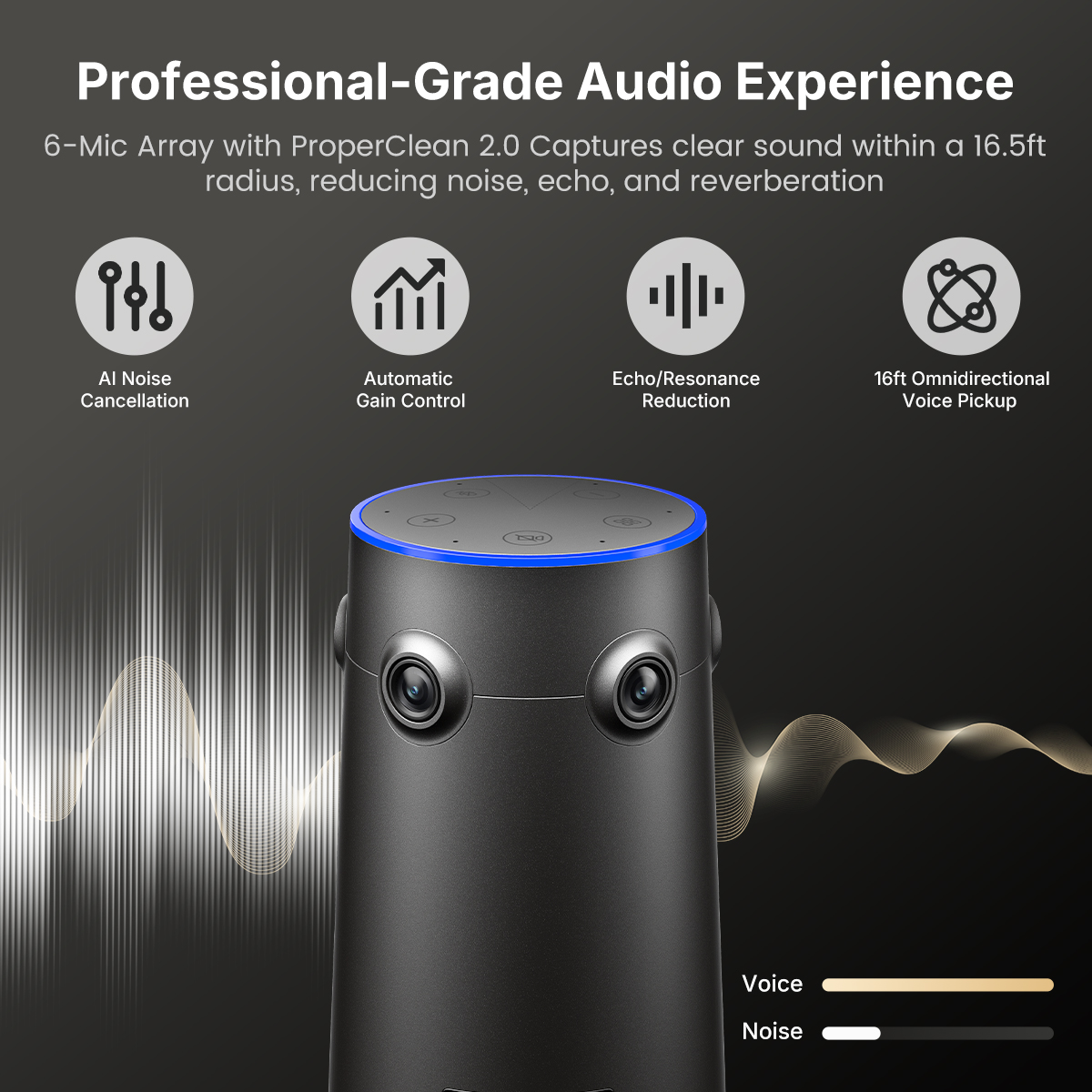
Six omnidirectional microphones pick up voices around the device. ProperClean 2.0 reduces background noise, echo and room reverberation. Automatic gain control helps balance voices at different volumes.
A built-in speaker handles playback from remote participants.
Add compatible AM01 expansion microphones for seats farther from the camera. NearHub lists pickup coverage of up to 52 ft (16 m) with two AM01 microphones.
Confirm the included accessories for your selected kit before ordering.
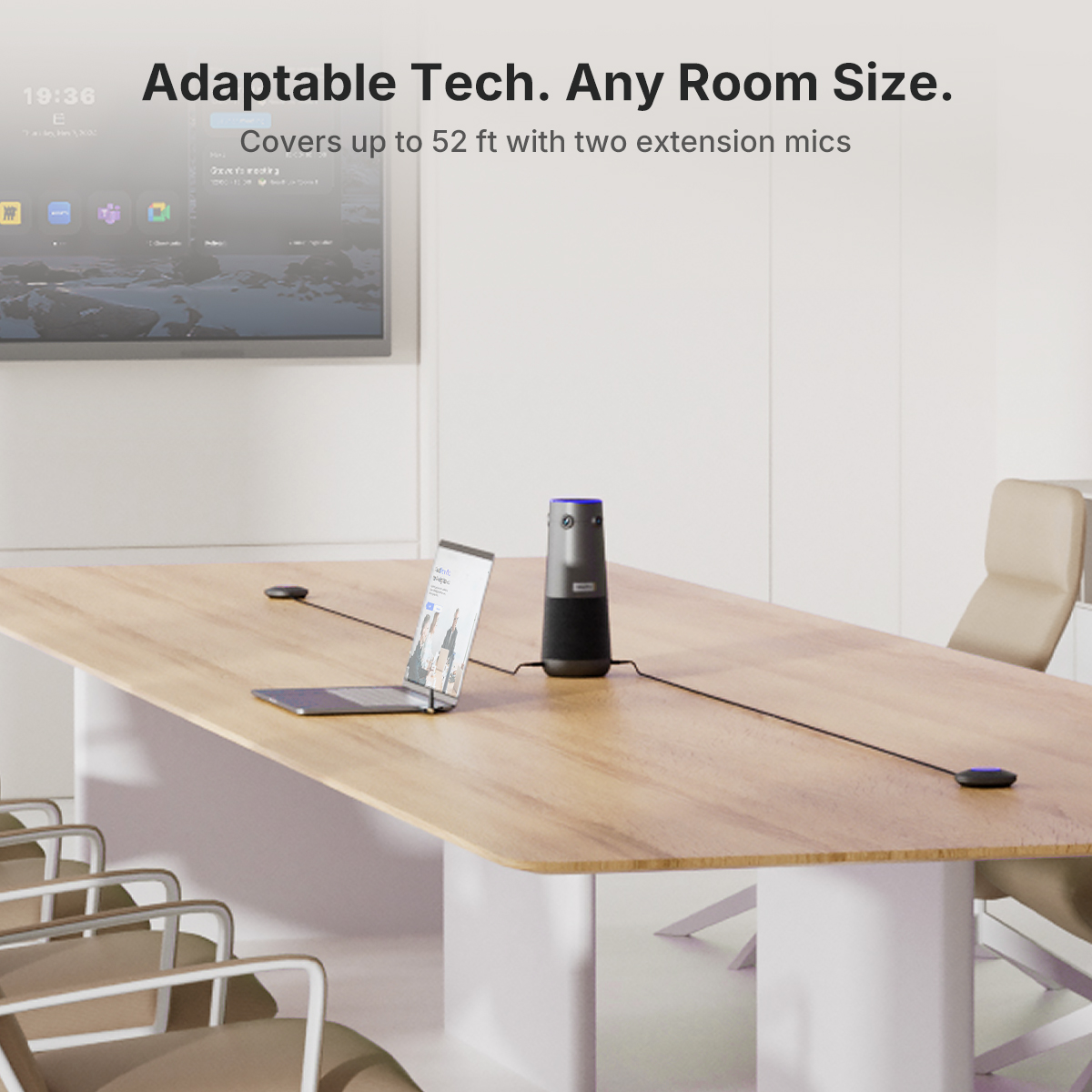
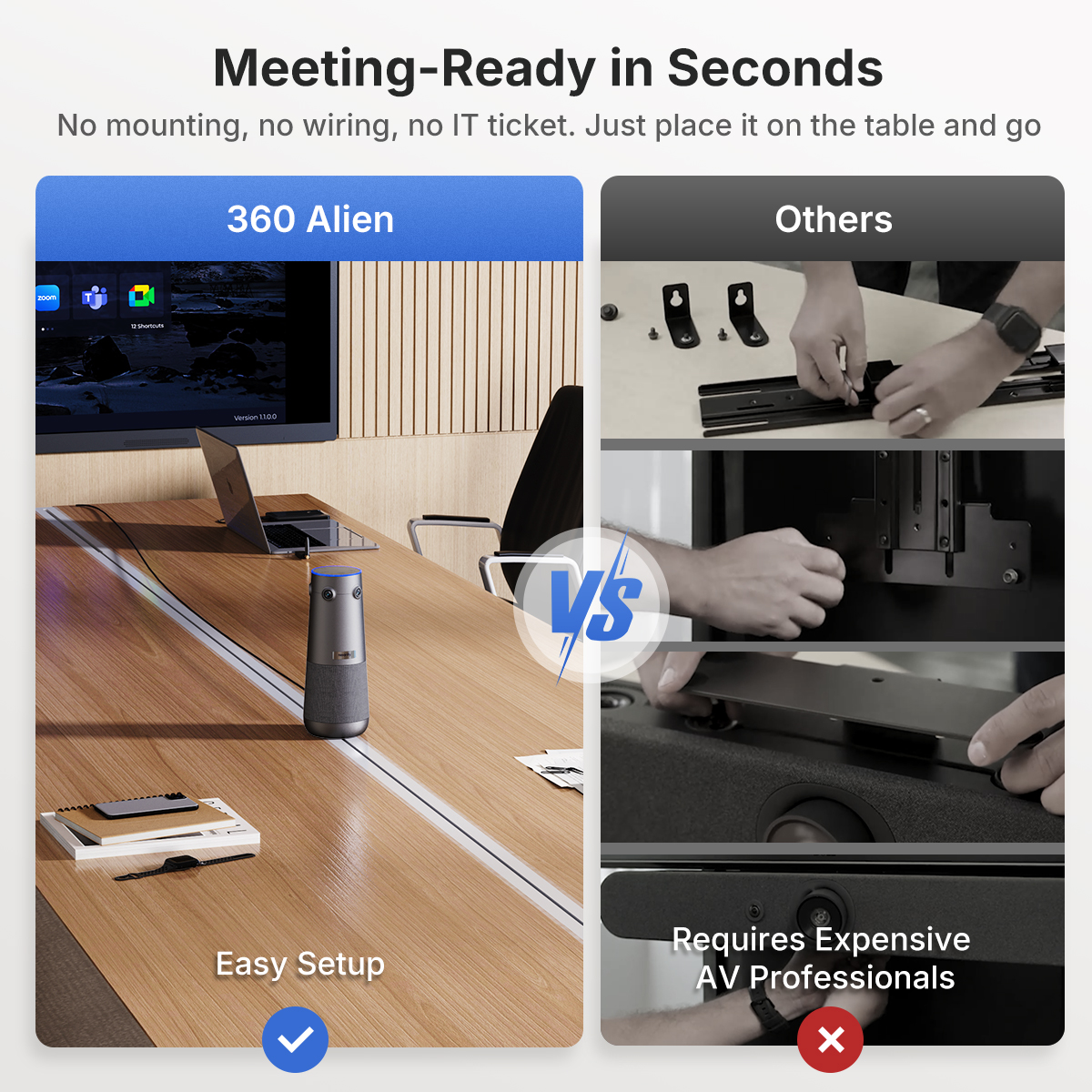
Set the camera on the table, connect power and use USB for a typical laptop or room PC setup. HDMI and Ethernet support other room configurations.
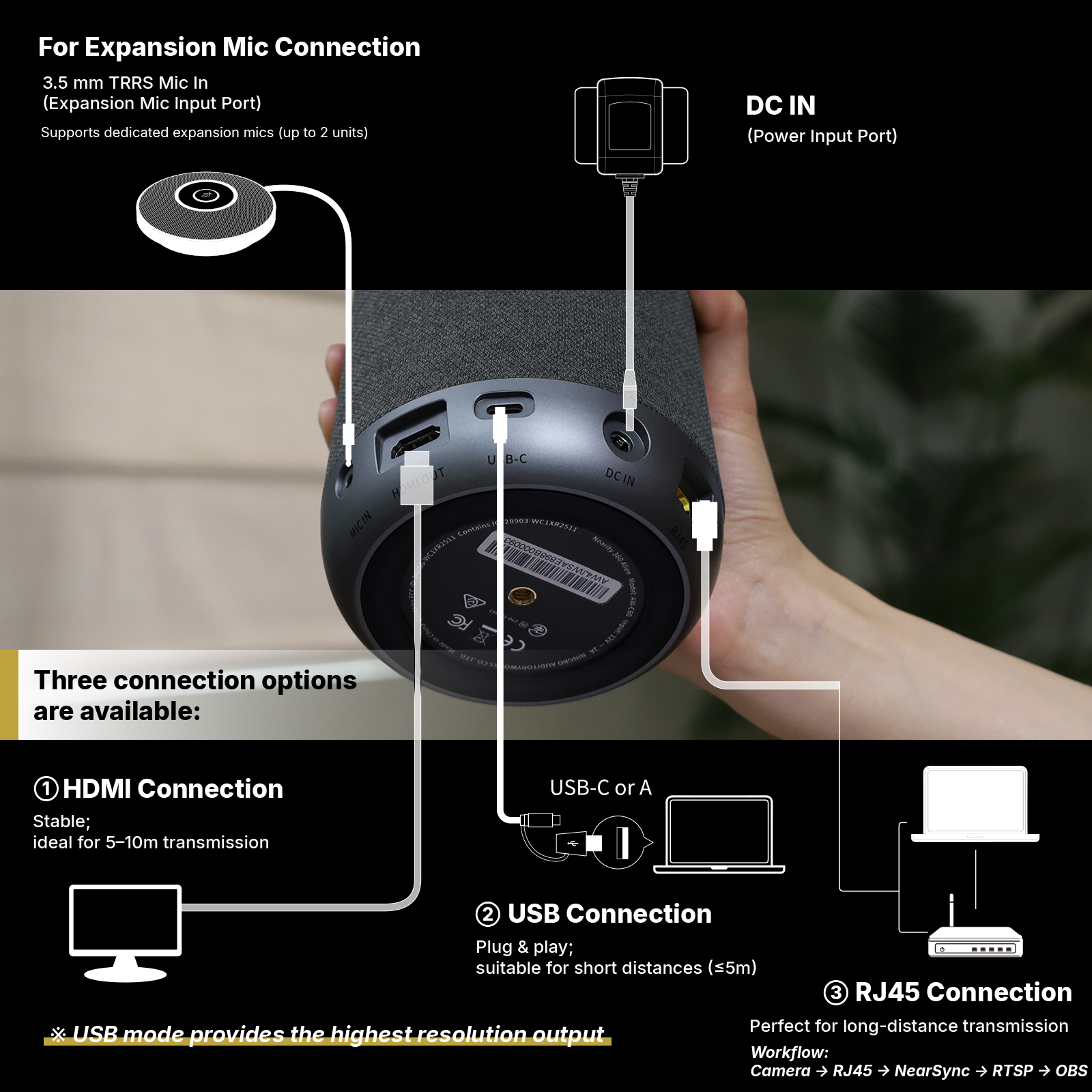
Connect to a computer for video meetings. USB supports output up to 4K at 30 fps.
Send video to a compatible display or recording device at up to 1080p at 60 fps.
Use a wired network connection for a compatible streaming setup. The illustrated workflow uses NearSync, RTSP and OBS.
Swipe the gallery or choose a slide below.
No. USB supports up to 4K at 30 fps. HDMI and the compatible wireless dongle output up to 1080p.
The unit has six built-in microphones. Compatible expansion microphones are useful when people sit farther away, such as at a long conference table.
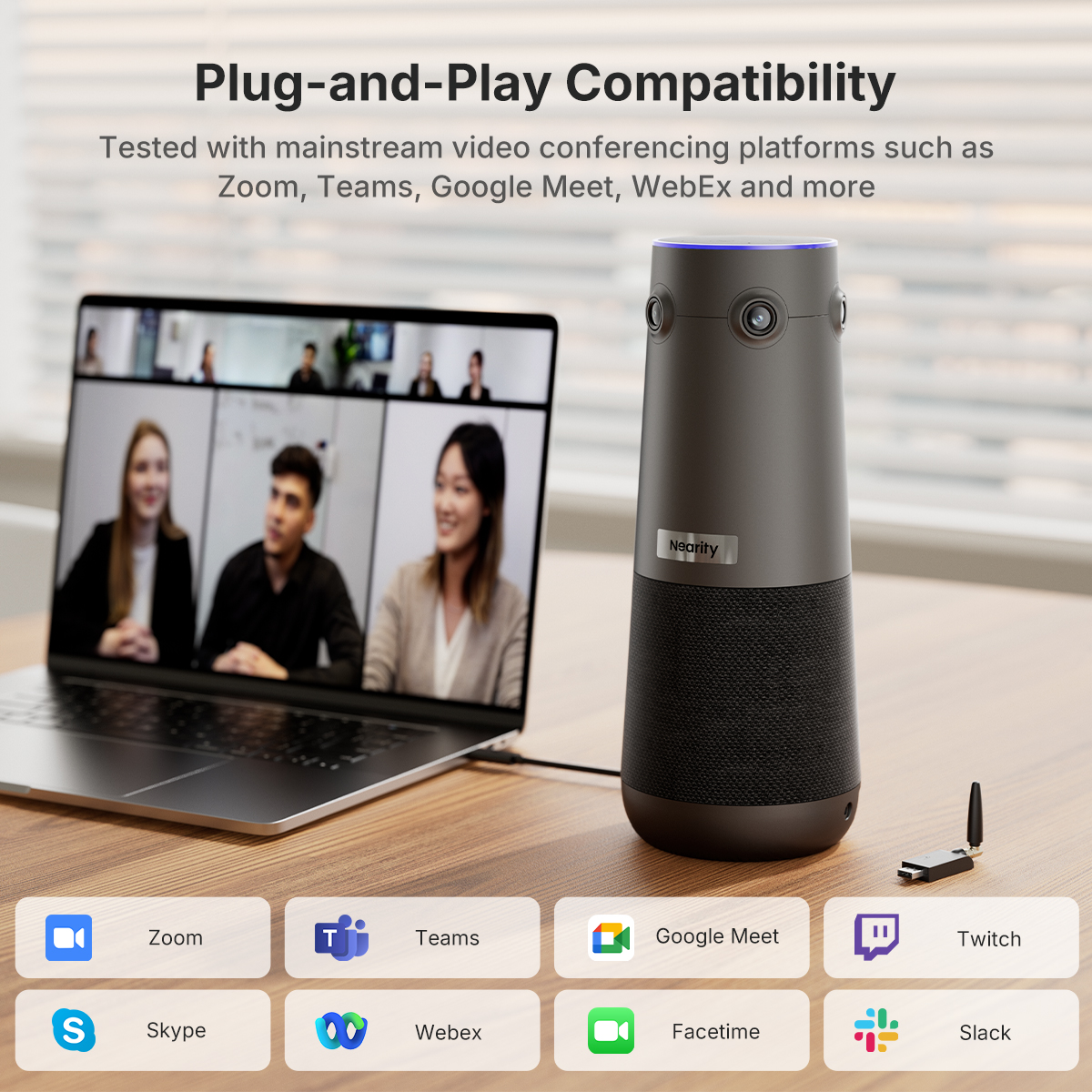
NearHub lists Zoom, Microsoft Teams, Google Meet and Webex among its platform examples. Select the 360 Alien as the camera and audio device in your meeting app when using a compatible setup.
Give remote participants a seat at the table.
Place the camera in the middle of the table to capture the room from every direction. Four 4K cameras, six microphones and a built-in speaker bring video and audio together in one device.
Four 120° lenses face different directions around the table. The camera combines their views so remote attendees can see the room and follow the discussion as it moves between speakers.
For the highest output resolution, connect by USB. NearHub lists up to 4K at 30 fps over USB, compared with 1080p at 60 fps over HDMI.
Four 8 MP Sony Starvis CMOS sensors and f/2.0 lenses capture views around the room. Fixed-focus optics keep the camera from having to refocus as the conversation moves around the table.
Switch modes using the top control or the remote.
Frame up to four active speakers for meetings where several people contribute.
Use the steady 120° main-lens view when you want a consistent frame.
Track and zoom in on the current speaker during a presentation or briefing.
Six omnidirectional microphones pick up voices around the device. ProperClean 2.0 reduces background noise, echo and room reverberation. Automatic gain control helps balance voices at different volumes.
A built-in speaker handles playback from remote participants.
Add compatible AM01 expansion microphones for seats farther from the camera. NearHub lists pickup coverage of up to 52 ft (16 m) with two AM01 microphones.
Confirm the included accessories for your selected kit before ordering.
Set the camera on the table, connect power and use USB for a typical laptop or room PC setup. HDMI and Ethernet support other room configurations.
Connect to a computer for video meetings. USB supports output up to 4K at 30 fps.
Send video to a compatible display or recording device at up to 1080p at 60 fps.
Use a wired network connection for a compatible streaming setup. The illustrated workflow uses NearSync, RTSP and OBS.
Swipe the gallery or choose a slide below.
No. USB supports up to 4K at 30 fps. HDMI and the compatible wireless dongle output up to 1080p.
The unit has six built-in microphones. Compatible expansion microphones are useful when people sit farther away, such as at a long conference table.
NearHub lists Zoom, Microsoft Teams, Google Meet and Webex among its platform examples. Select the 360 Alien as the camera and audio device in your meeting app when using a compatible setup.