Nearity 120 Max 4K All-in-One AI Video Conference Camera (AW-C46)
Nearity / Small meeting rooms
Nearity C45
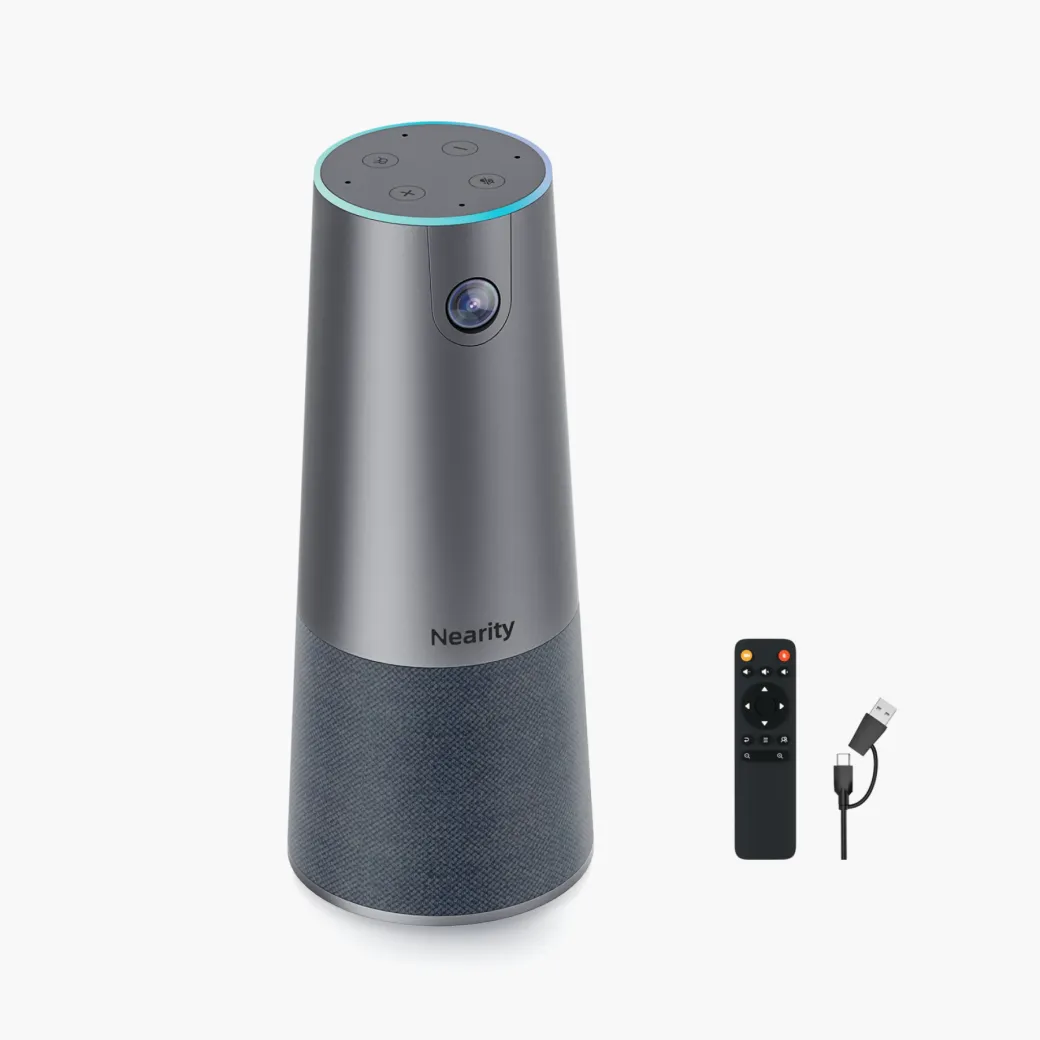
All-in-one 2K meeting camera
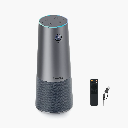
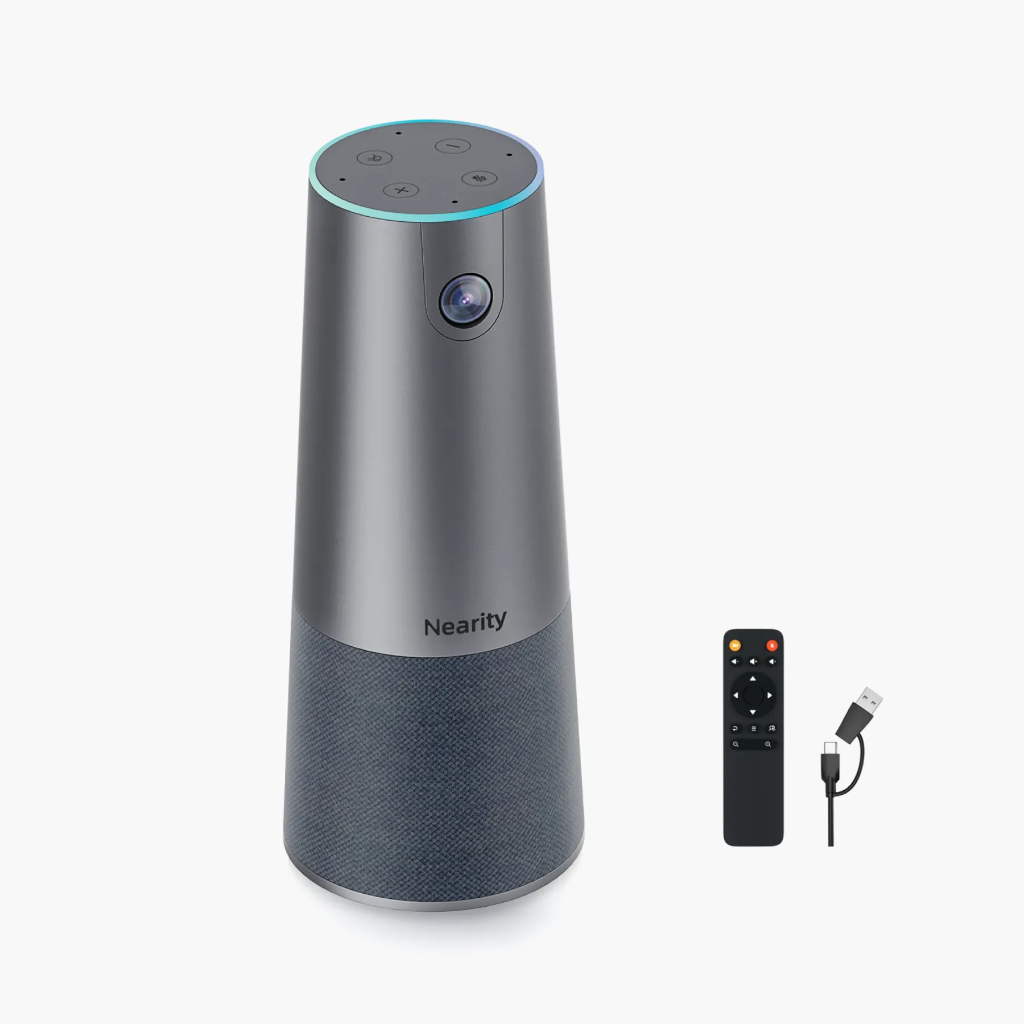
Give remote teammates a wider view of the room and clearer audio. The C45 combines a wide-angle camera, four microphones and a speaker in one tabletop device.
- 2KVideo output
- 120°Diagonal view
- 4Microphones
- 5×Digital zoom
Features
Give remote teammates a seat at the table.
See the group, hear the conversation and zoom in when the details matter.
01 / All in one
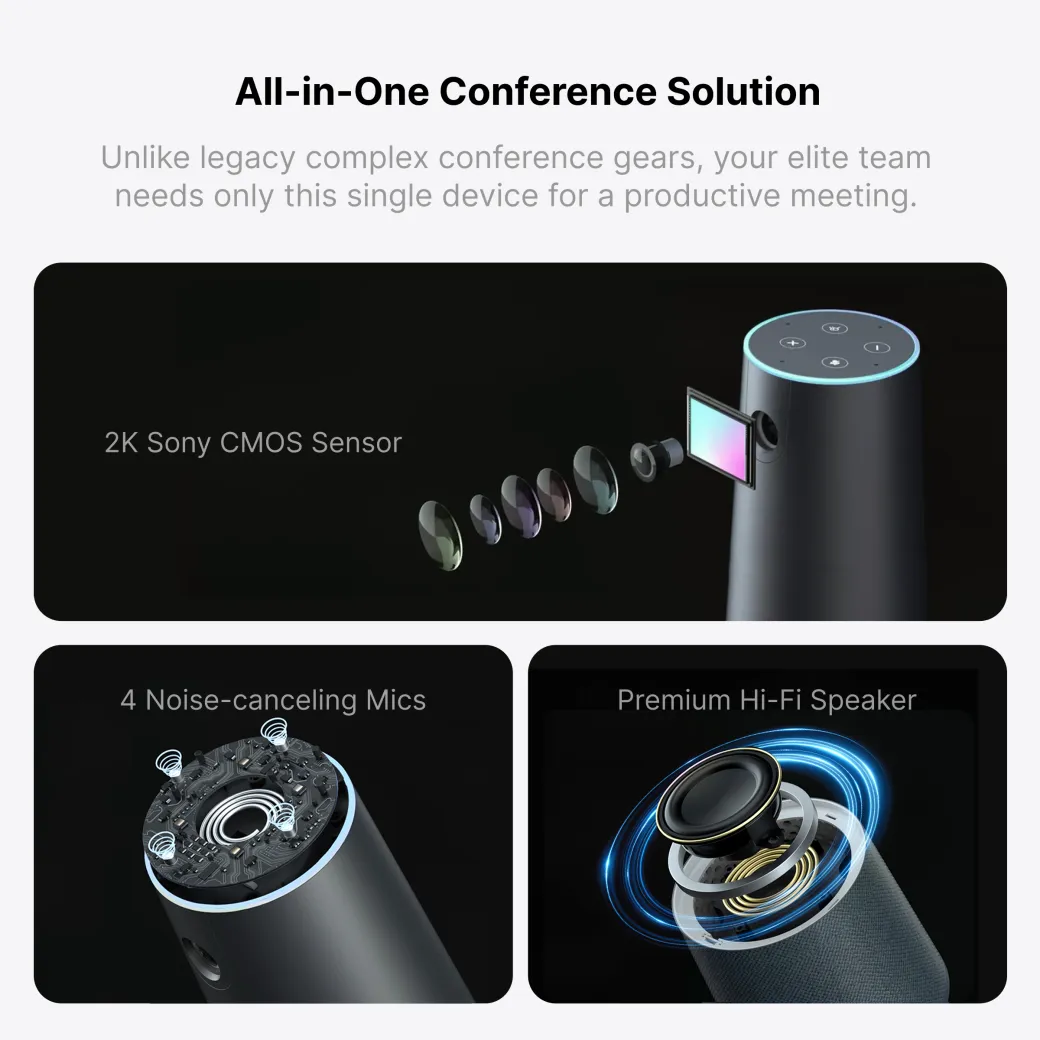
Camera, microphones and speaker in one
The C45 pairs a 2K Sony CMOS sensor with four microphones and a built-in Hi-Fi speaker. One tabletop unit handles both sides of the call.
02 / Wide-angle video
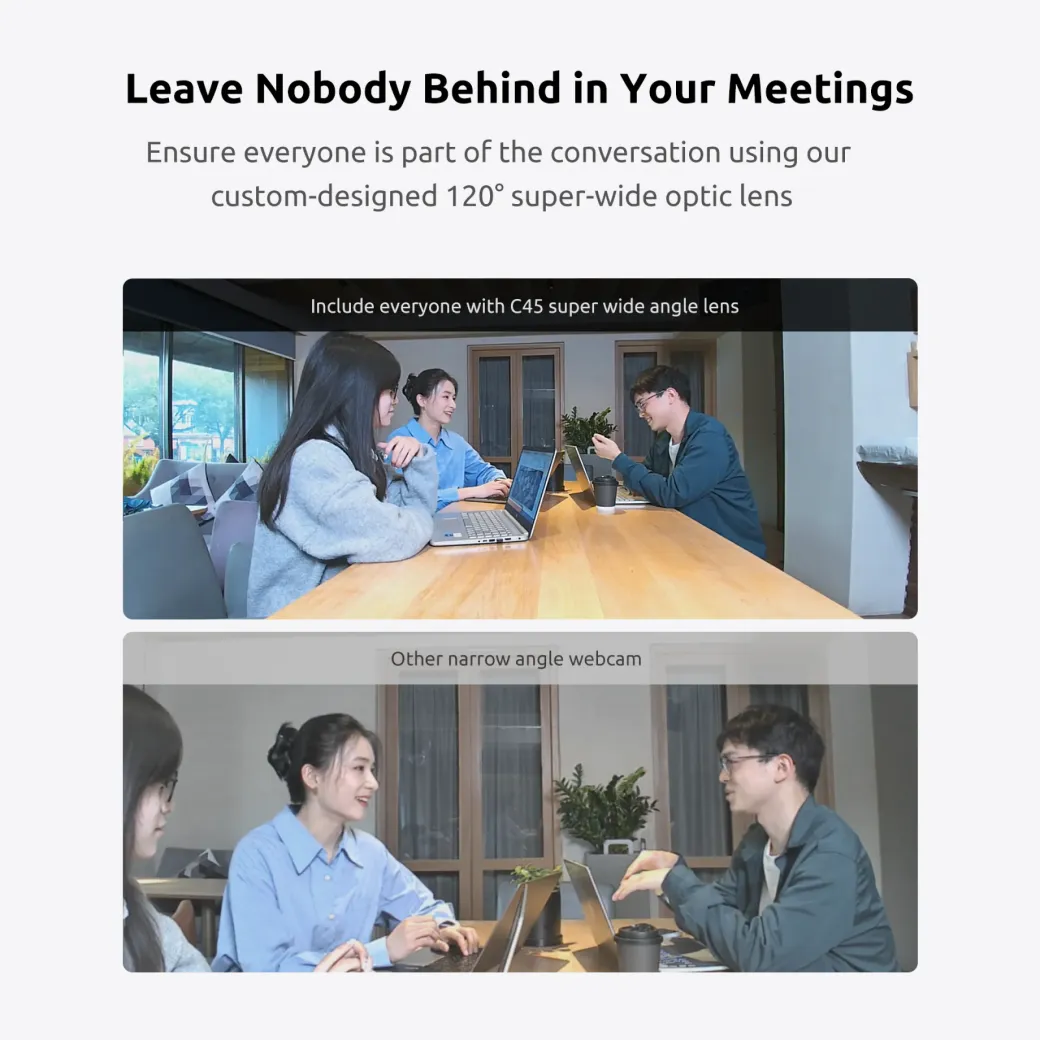
Fit more of the room into the frame
The 120° diagonal field of view gives remote attendees a wider look at the table. It’s useful in huddle rooms where people sit close to the camera.
03 / AI auto-framing
Keep the group in view
Auto-framing adjusts the crop around participants as people enter the shot. Use the remote to switch between automatic framing and a fixed view.
Auto-framing requires 1080p at 30 fps.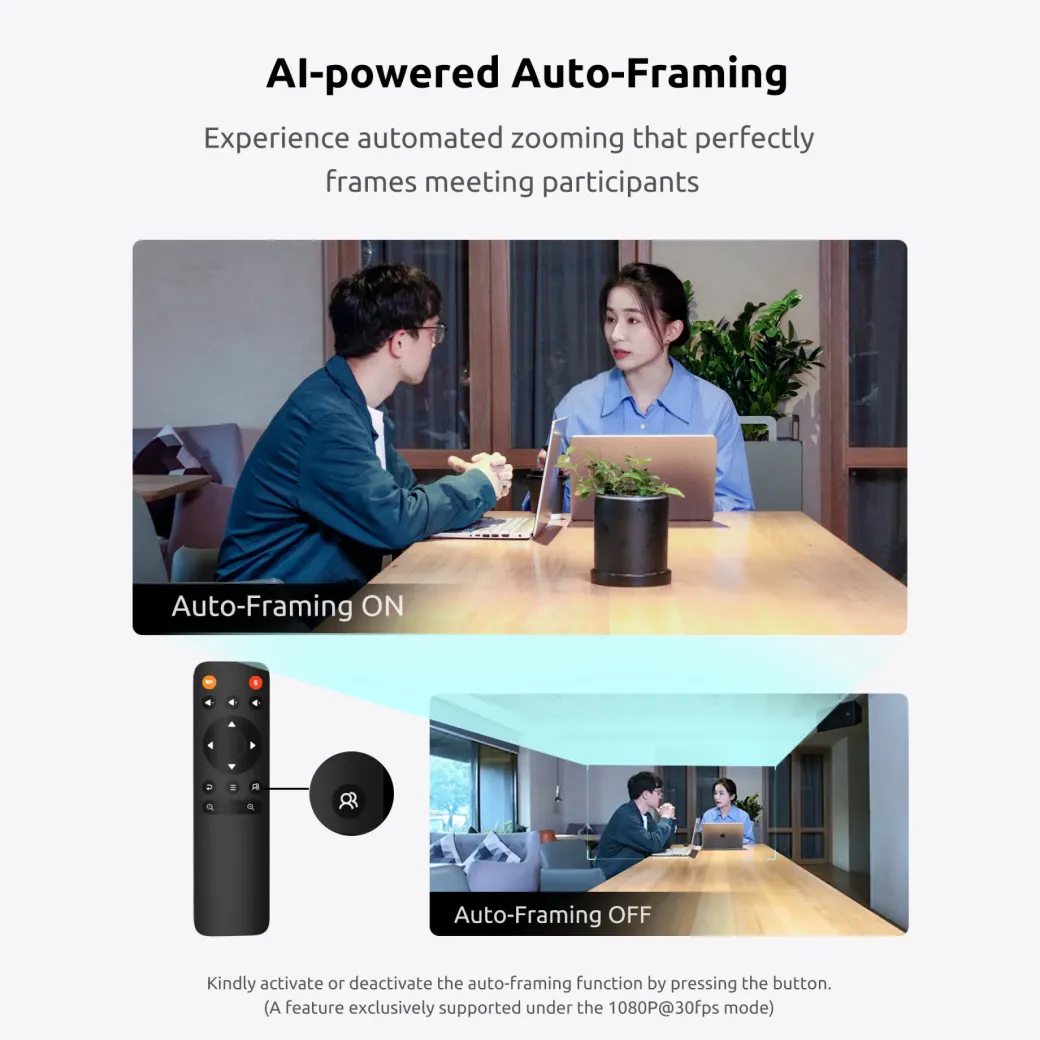
04 / Remote control
Bring the details closer
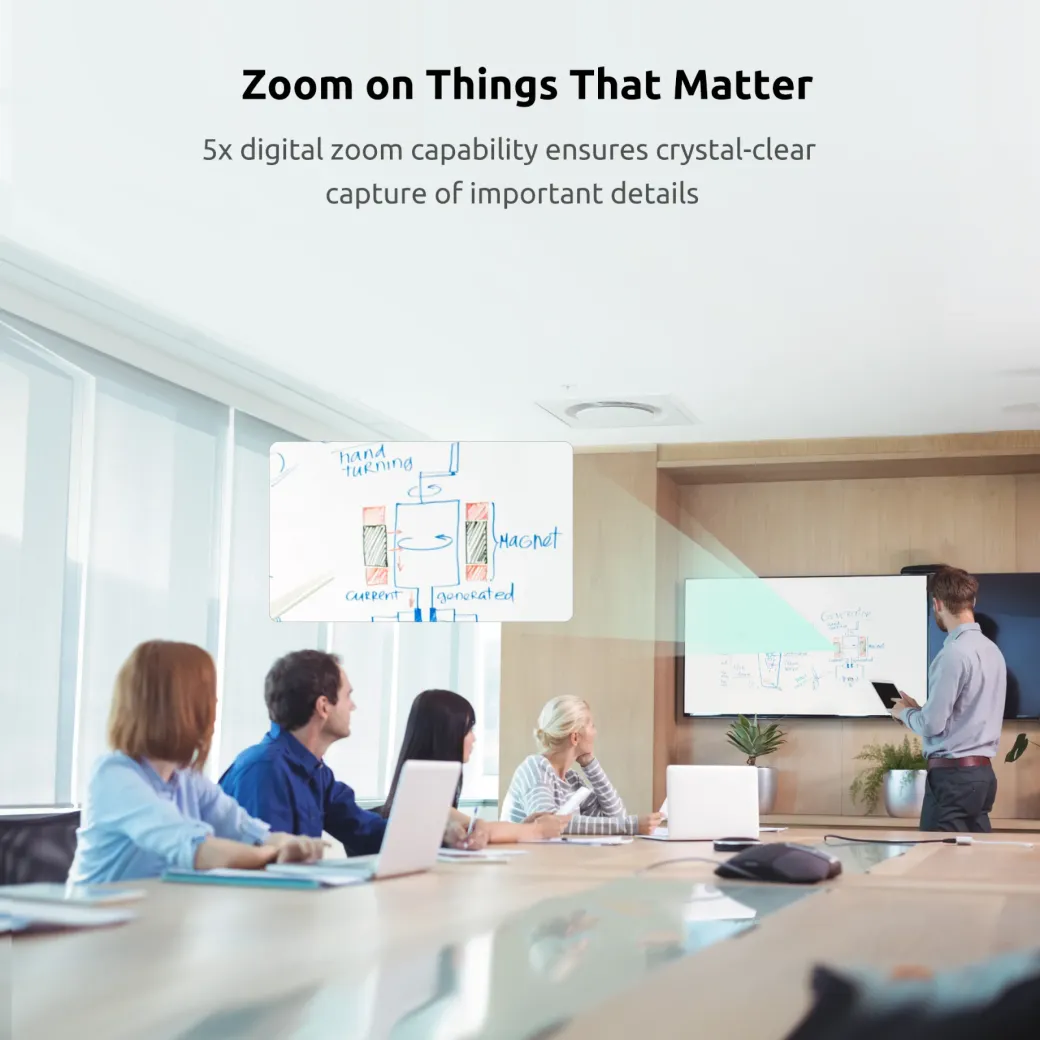
Use up to 5× digital zoom to show a whiteboard or demonstration. Once zoomed in, the remote’s arrow keys let you pan and tilt within the image.
05 / Clearer conversation
Bring voices to the foreground
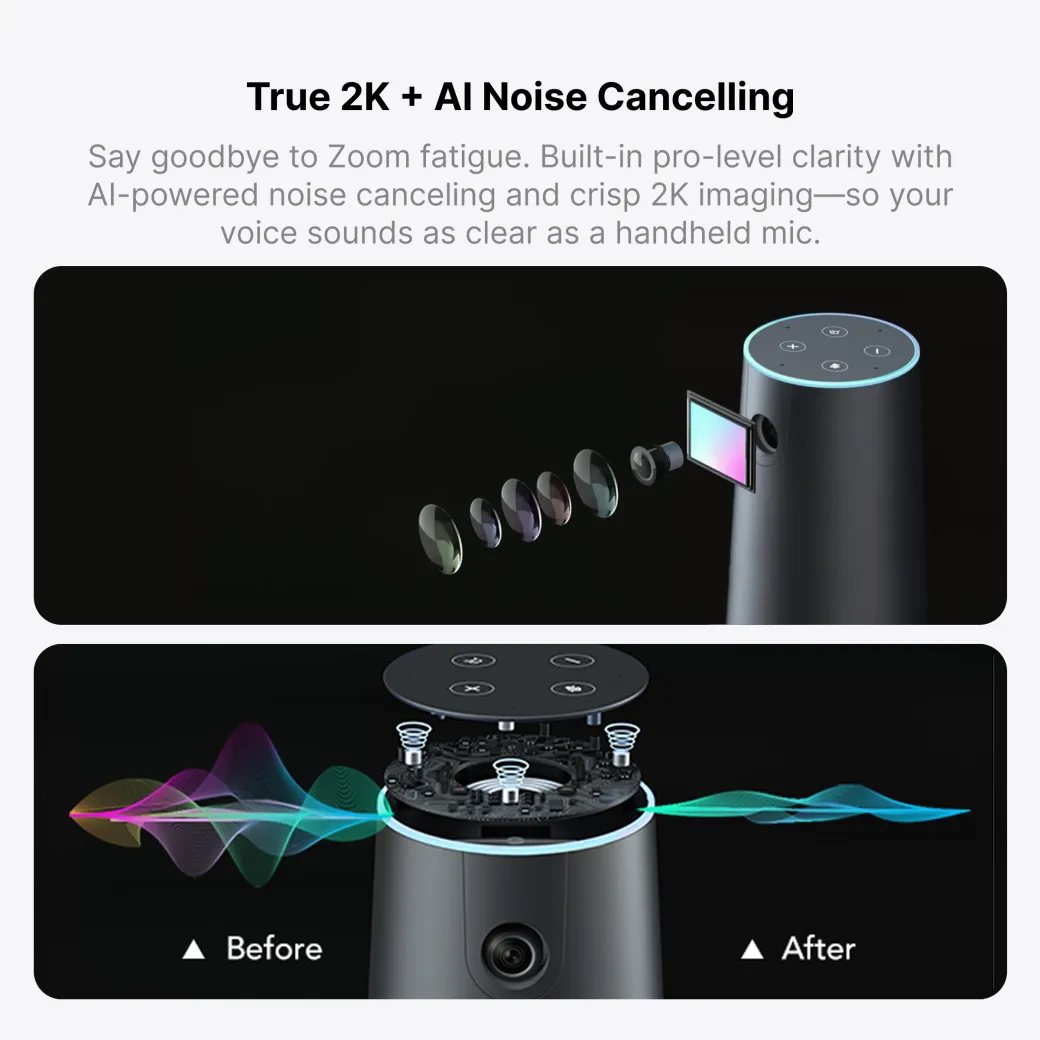
Four omnidirectional microphones pick up voices from up to 4 m away. Noise reduction and echo cancellation help keep speech easier to follow, and the built-in speaker plays the remote side of the call.
06 / USB plug and play
Connect, select the C45 and join
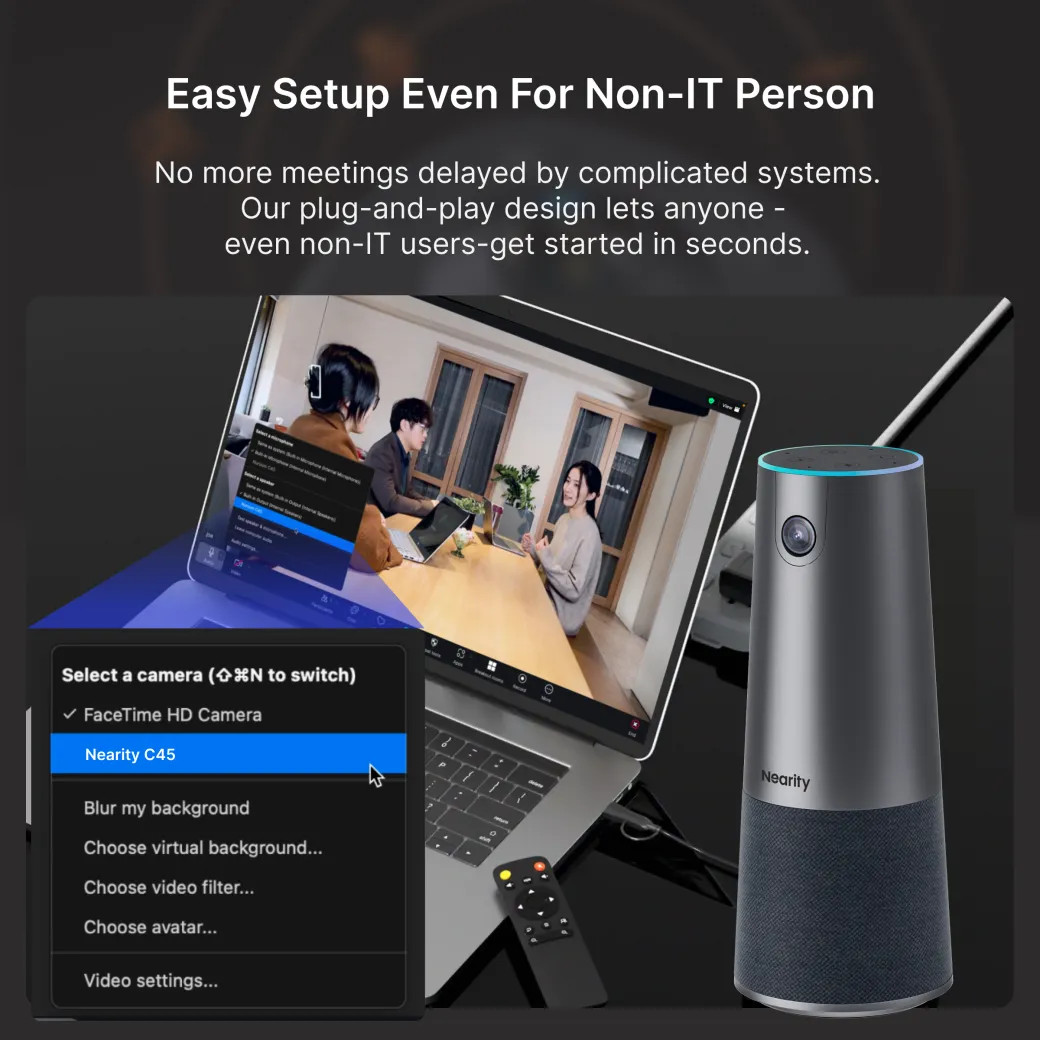
Connect the camera to your computer over USB and choose Nearity C45 as your camera, microphone and speaker in your meeting app. The included power adapter can be used for increased speaker volume.
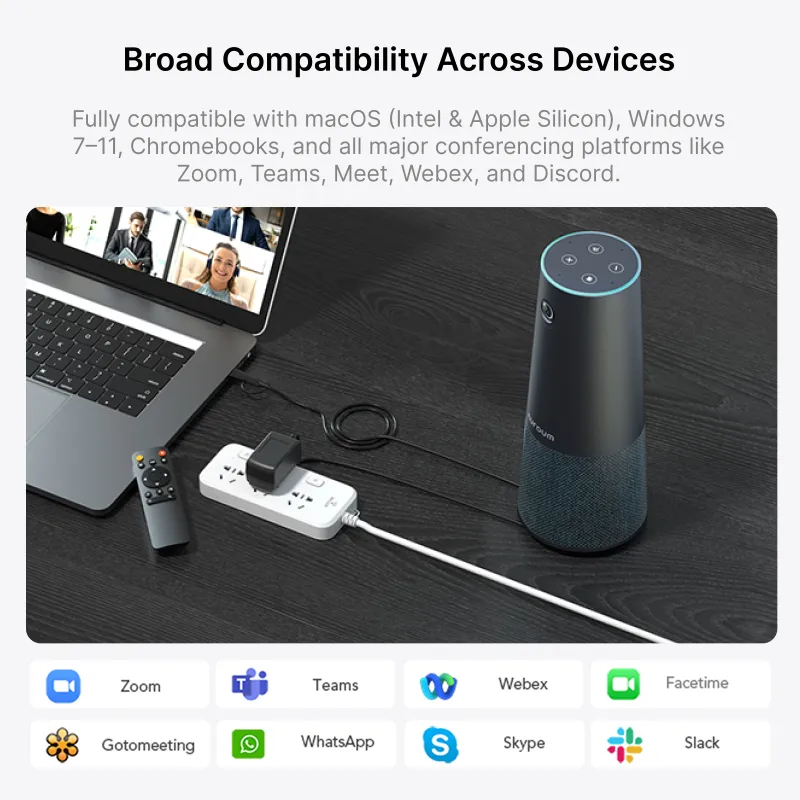
Use the meeting apps your team already knows.
- Zoom
- Microsoft Teams
- Google Meet
- Webex
Compatible with Windows, macOS, Linux and ChromeOS.
Gallery
A closer look at the C45
Swipe or scroll to see the camera in use, compatible devices and accessories.

Technical details
C45 specifications
- Video output
- Up to 2560 × 1440 at 30 fps or 1920 × 1080 at 60 fps
- Sensor and lens
- 5 MP, 1/2.8-inch CMOS sensor; fixed focus; f/2.2
- Field of view
- 120° diagonal · 110° horizontal · 75° vertical
- Framing and zoom
- AI auto-framing at 1080p/30 fps; up to 5× digital zoom
- Microphones
- Four omnidirectional microphones; up to 4 m voice pickup
- Audio processing
- Noise reduction and echo cancellation
- Speaker
- Built-in Hi-Fi speaker with full-duplex audio
- Connection
- USB plug and play; included power adapter
- Controls
- Remote control and top touch controls; status light ring
- Placement
- Tabletop or compatible stand/tripod via ¼-inch thread
- Compatibility
- Windows, macOS, Linux and ChromeOS
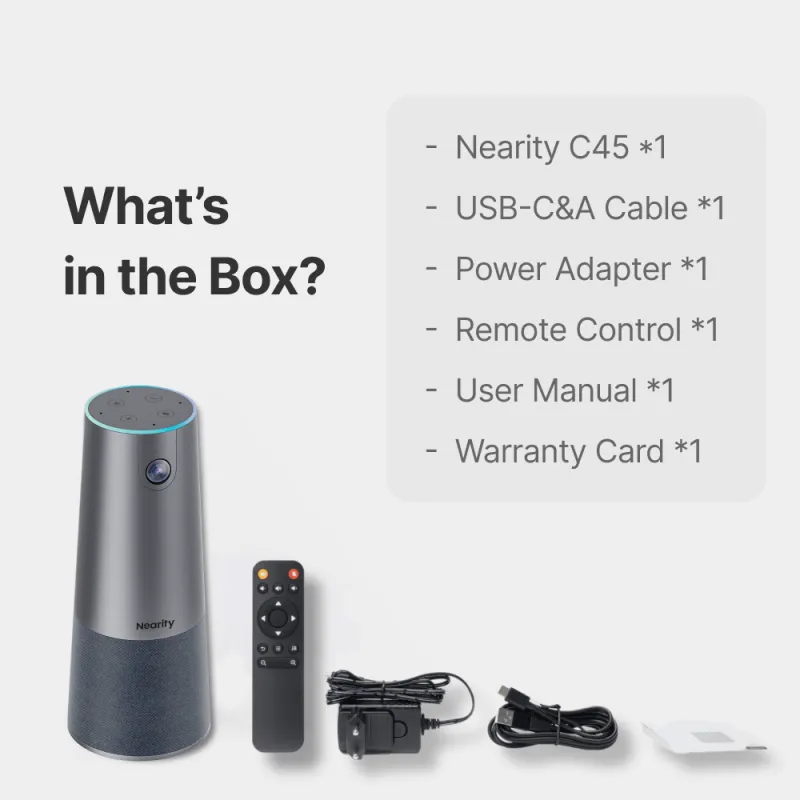
What’s in the box?
- Nearity C45
- USB-C / USB-A cable
- Power adapter
- Remote control
- User manual
FAQ
Common questions
Can I use auto-framing at 2K?
Use 1080p at 30 fps for auto-framing. The C45 also supports 1440p at 30 fps and 1080p at 60 fps as video output modes.
Can I control the zoom from across the table?
Yes. Use the remote for up to 5× digital zoom and adjust the view with the arrow keys after zooming.
Can I mute the microphone or switch off the camera?
Yes. The top controls and remote let you mute the microphone and turn the camera off. The light ring shows the device status.
Will it work with our meeting app?
NearHub lists Zoom, Microsoft Teams, Google Meet and Webex among the supported platforms. Select Nearity C45 as the video and audio device in the app settings.
Will the C45 fit your meeting room?
Ask Compuspeed
Nearity / Small meeting rooms
Nearity C45
All-in-one 2K meeting camera
Give remote teammates a wider view of the room and clearer audio. The C45 combines a wide-angle camera, four microphones and a speaker in one tabletop device.
- 2KVideo output
- 120°Diagonal view
- 4Microphones
- 5×Digital zoom
Features
Give remote teammates a seat at the table.
See the group, hear the conversation and zoom in when the details matter.
01 / All in one
Camera, microphones and speaker in one
The C45 pairs a 2K Sony CMOS sensor with four microphones and a built-in Hi-Fi speaker. One tabletop unit handles both sides of the call.
02 / Wide-angle video
Fit more of the room into the frame
The 120° diagonal field of view gives remote attendees a wider look at the table. It’s useful in huddle rooms where people sit close to the camera.
03 / AI auto-framing
Keep the group in view
Auto-framing adjusts the crop around participants as people enter the shot. Use the remote to switch between automatic framing and a fixed view.
Auto-framing requires 1080p at 30 fps.
04 / Remote control
Bring the details closer
Use up to 5× digital zoom to show a whiteboard or demonstration. Once zoomed in, the remote’s arrow keys let you pan and tilt within the image.
05 / Clearer conversation
Bring voices to the foreground
Four omnidirectional microphones pick up voices from up to 4 m away. Noise reduction and echo cancellation help keep speech easier to follow, and the built-in speaker plays the remote side of the call.
06 / USB plug and play
Connect, select the C45 and join
Connect the camera to your computer over USB and choose Nearity C45 as your camera, microphone and speaker in your meeting app. The included power adapter can be used for increased speaker volume.
Use the meeting apps your team already knows.
- Zoom
- Microsoft Teams
- Google Meet
- Webex
Compatible with Windows, macOS, Linux and ChromeOS.
Gallery
A closer look at the C45
Swipe or scroll to see the camera in use, compatible devices and accessories.
Technical details
C45 specifications
- Video output
- Up to 2560 × 1440 at 30 fps or 1920 × 1080 at 60 fps
- Sensor and lens
- 5 MP, 1/2.8-inch CMOS sensor; fixed focus; f/2.2
- Field of view
- 120° diagonal · 110° horizontal · 75° vertical
- Framing and zoom
- AI auto-framing at 1080p/30 fps; up to 5× digital zoom
- Microphones
- Four omnidirectional microphones; up to 4 m voice pickup
- Audio processing
- Noise reduction and echo cancellation
- Speaker
- Built-in Hi-Fi speaker with full-duplex audio
- Connection
- USB plug and play; included power adapter
- Controls
- Remote control and top touch controls; status light ring
- Placement
- Tabletop or compatible stand/tripod via ¼-inch thread
- Compatibility
- Windows, macOS, Linux and ChromeOS
What’s in the box?
- Nearity C45
- USB-C / USB-A cable
- Power adapter
- Remote control
- User manual
FAQ
Common questions
Can I use auto-framing at 2K?
Use 1080p at 30 fps for auto-framing. The C45 also supports 1440p at 30 fps and 1080p at 60 fps as video output modes.
Can I control the zoom from across the table?
Yes. Use the remote for up to 5× digital zoom and adjust the view with the arrow keys after zooming.
Can I mute the microphone or switch off the camera?
Yes. The top controls and remote let you mute the microphone and turn the camera off. The light ring shows the device status.
Will it work with our meeting app?
NearHub lists Zoom, Microsoft Teams, Google Meet and Webex among the supported platforms. Select Nearity C45 as the video and audio device in the app settings.
Will the C45 fit your meeting room?
Ask Compuspeed| Brand | Nearity |